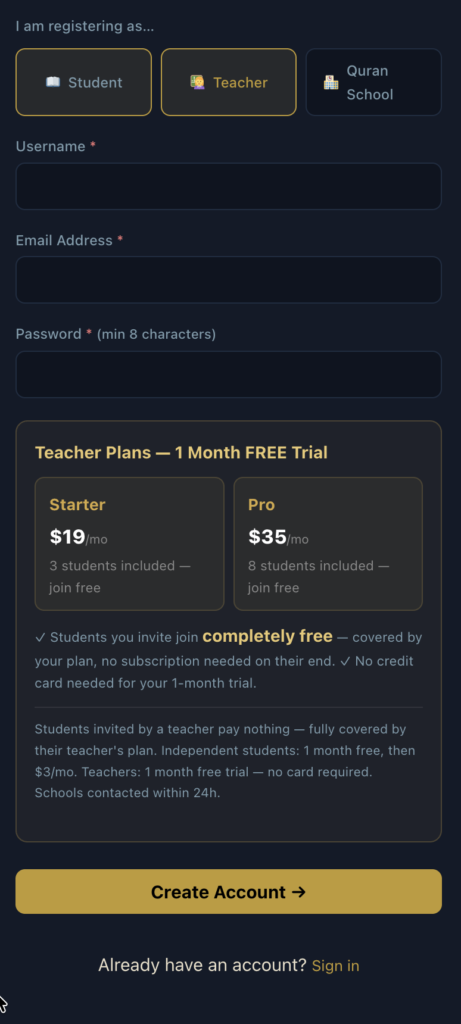
- Register as a teacher. You get the First month FREE: https://hifziq.com/register/
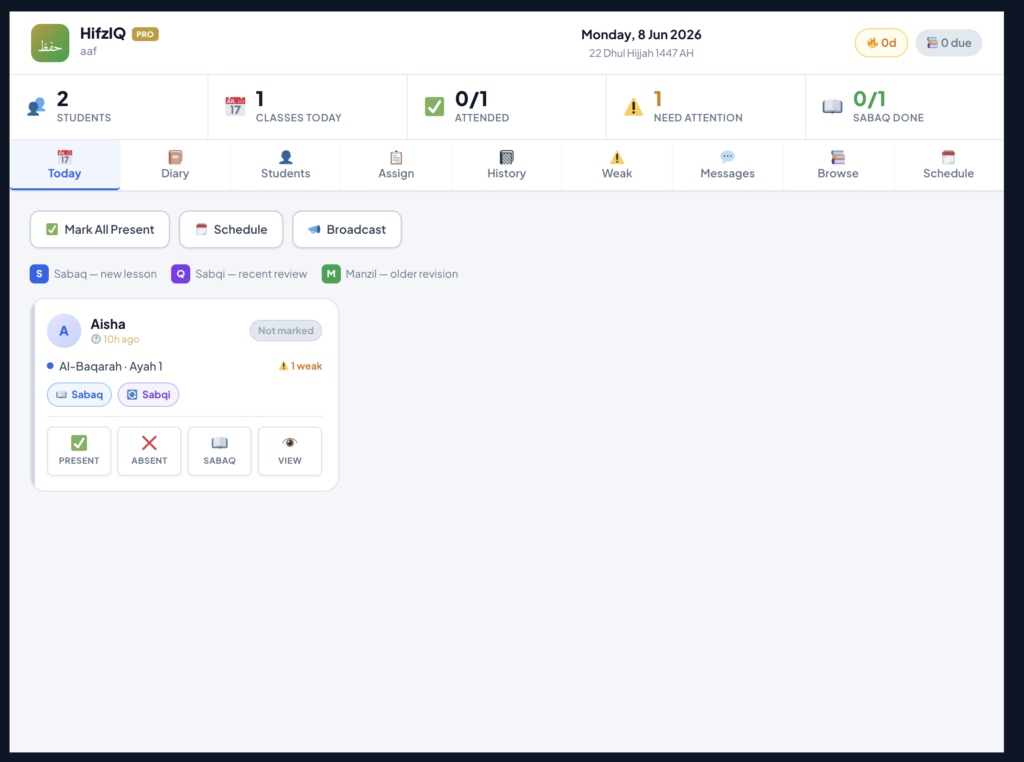
2. Sign in and go to Dashboard- https://hifziq.com/dashboard/
3. Add students by clicking on students Tab
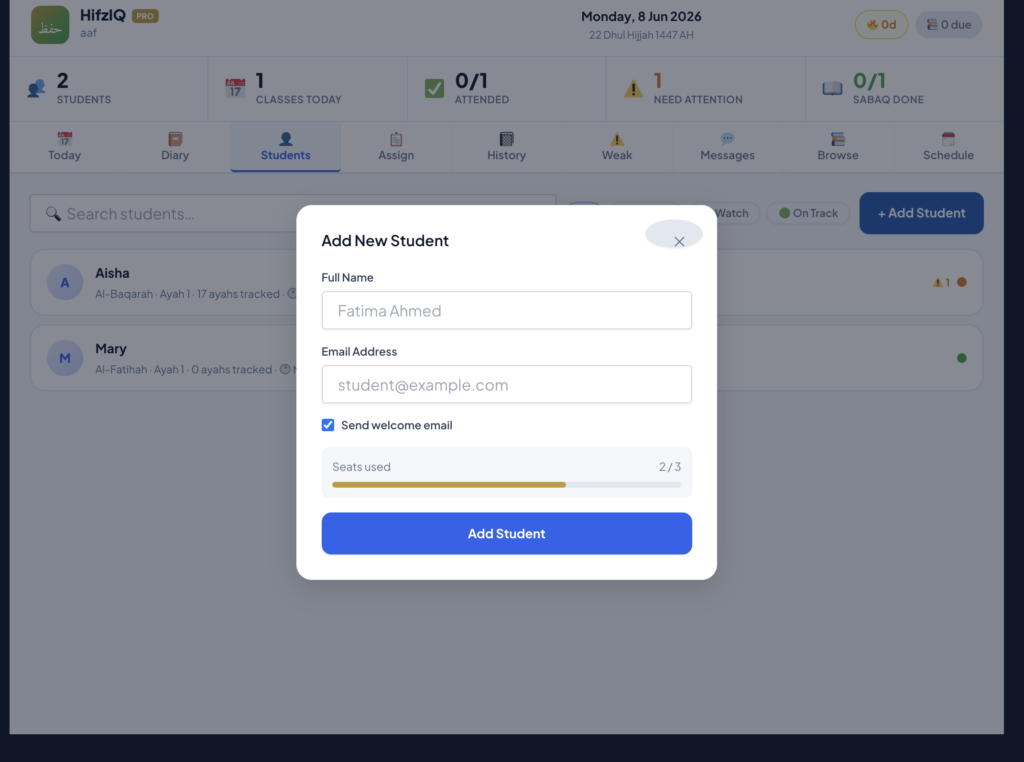
The FREE trial account allows addition of 3 students. You can message us for upgrade
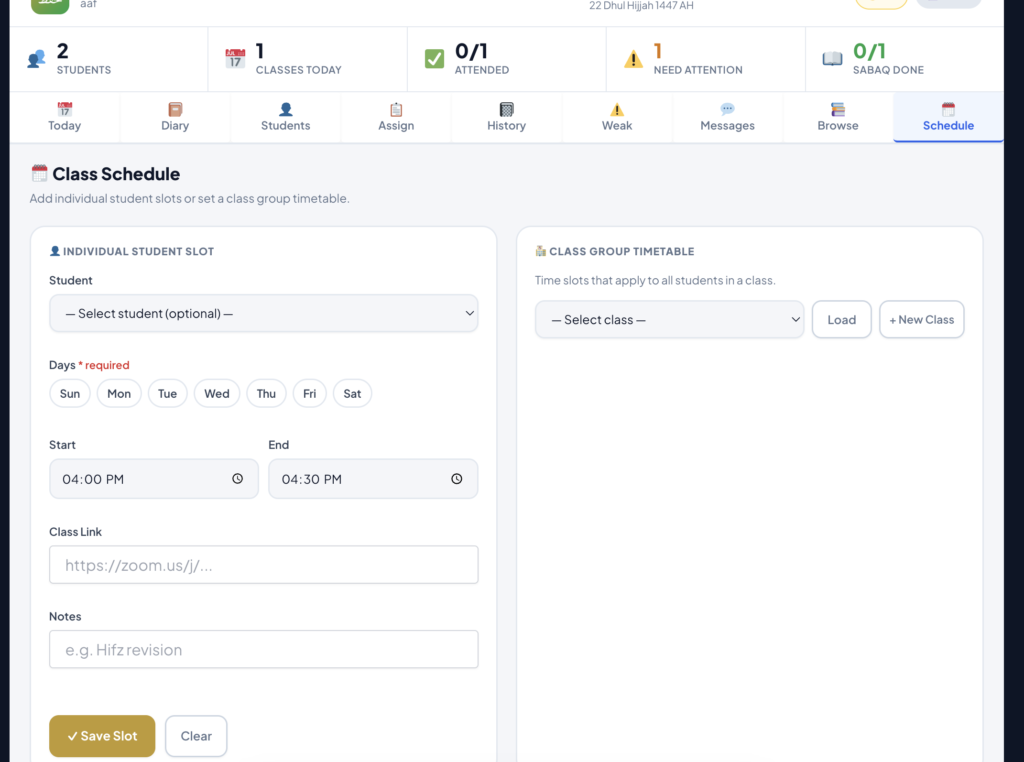
4. Set the schedue of the students
5. You will see in today’s Class-Students who have class today
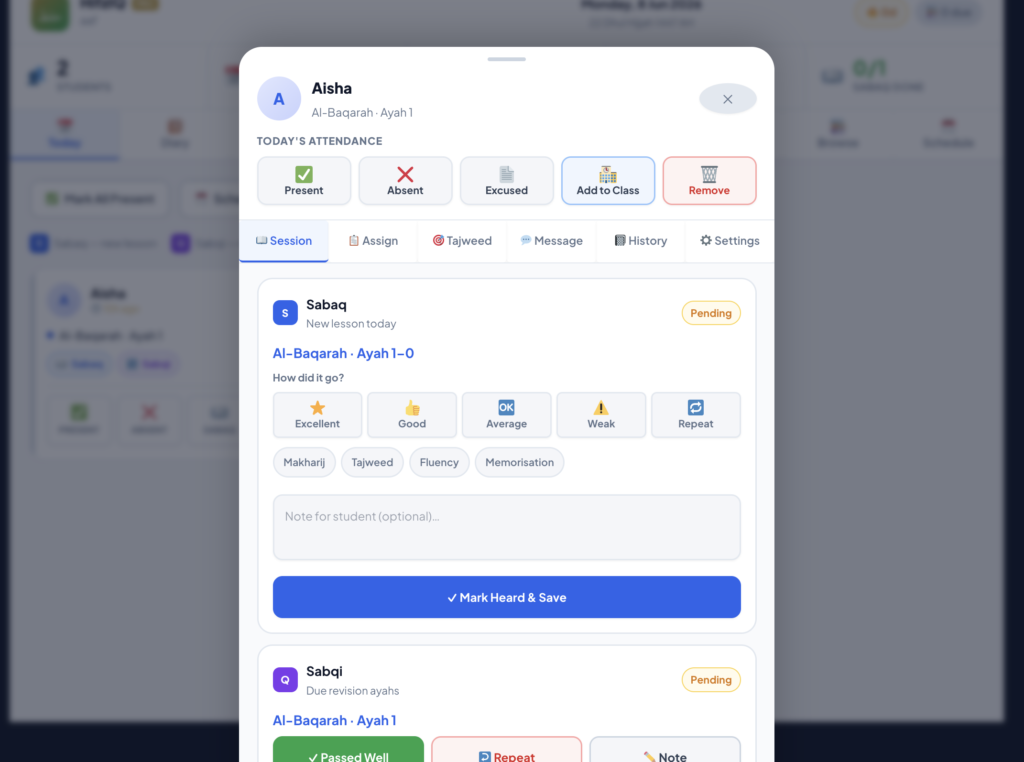
You can click on the students and mark her present/absent- assign her ayah as sabaq
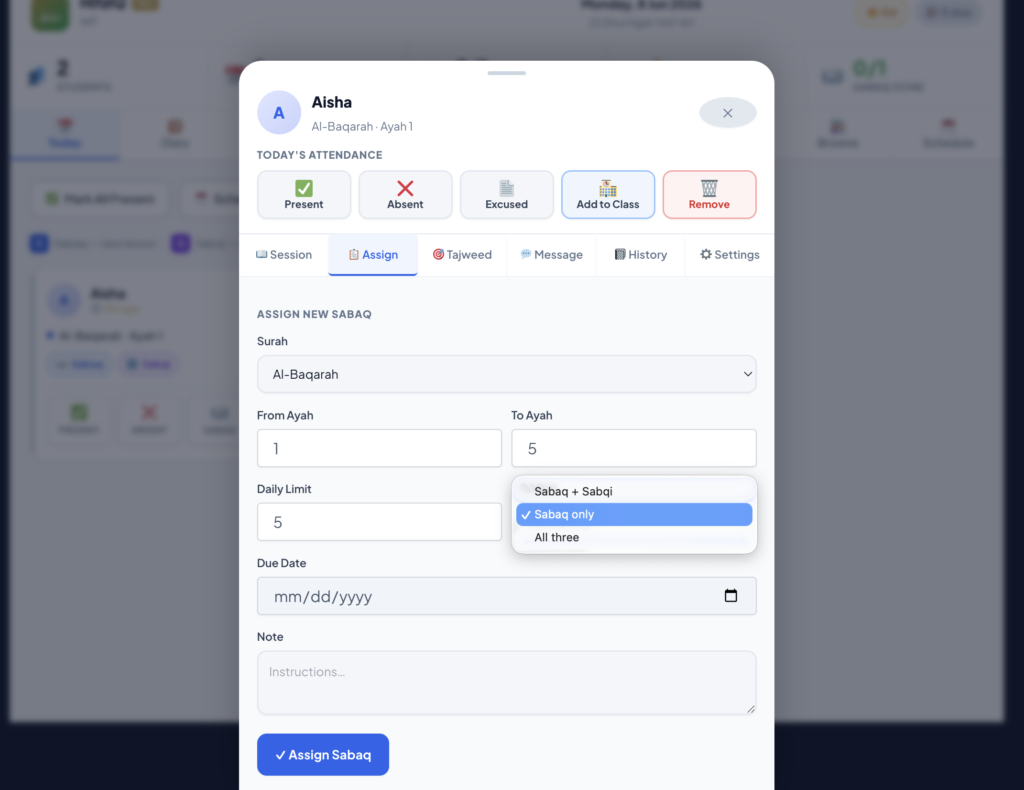
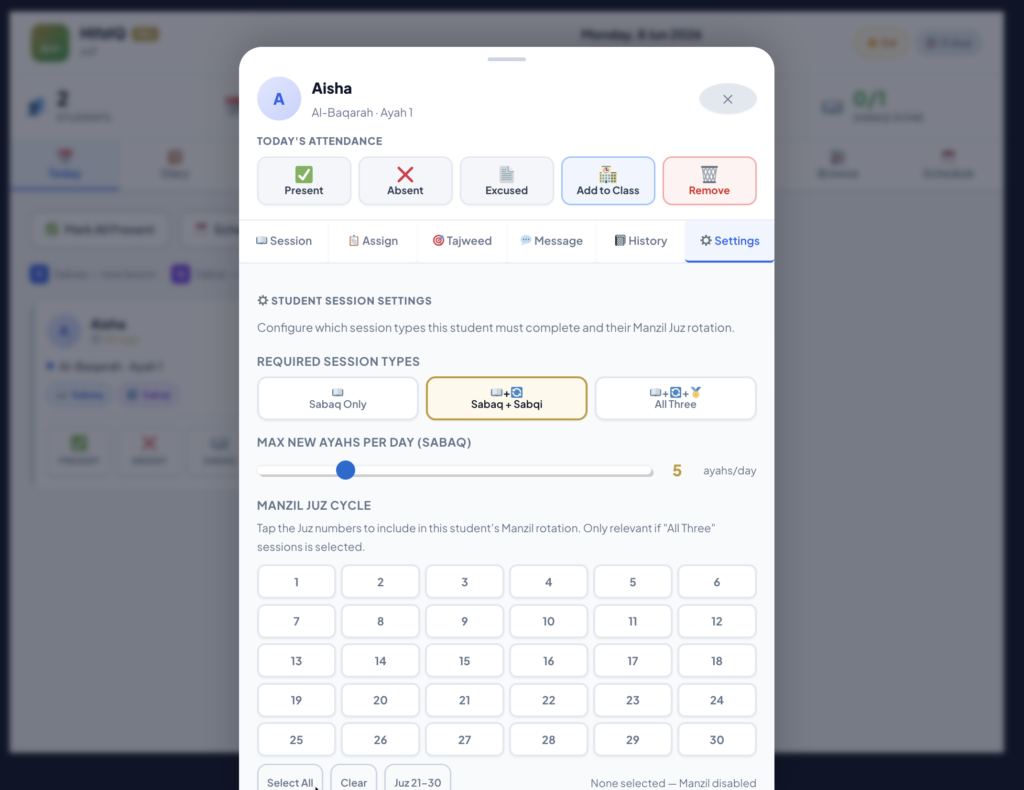
you can also click on setting tab and choose if the student is only reading Sabaq or he needs to do sabaq and sabaqi. you can also assign a juz for Manzil revision
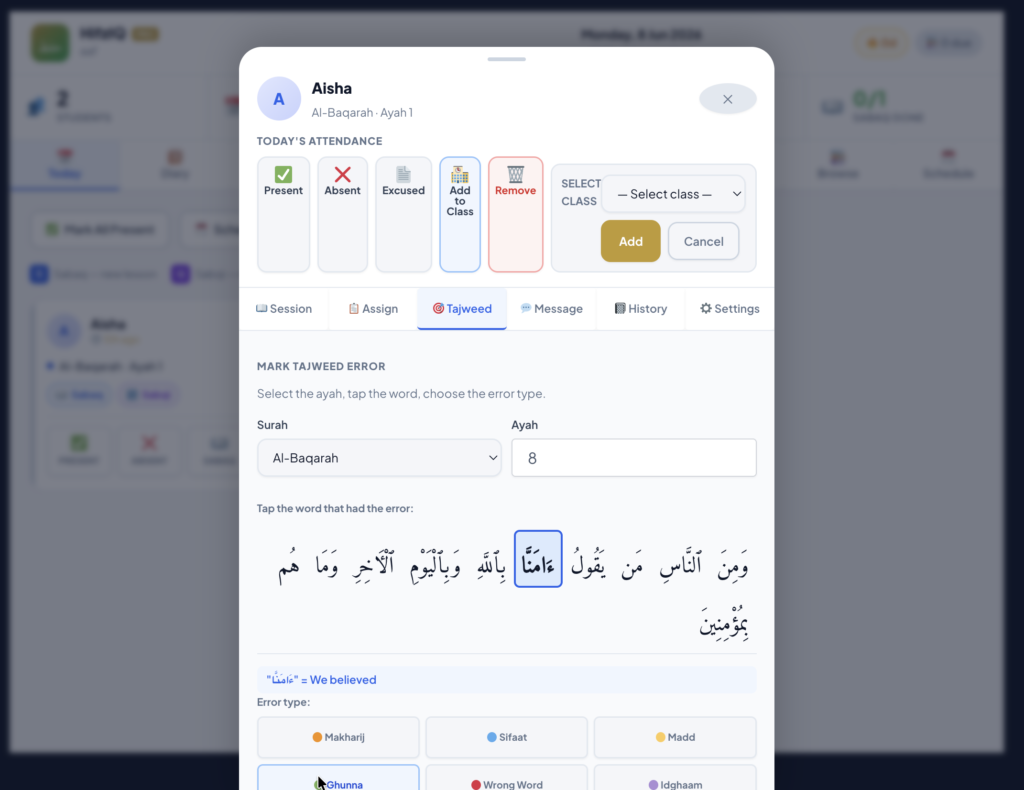
when taking tests- you can also mark the error of the students
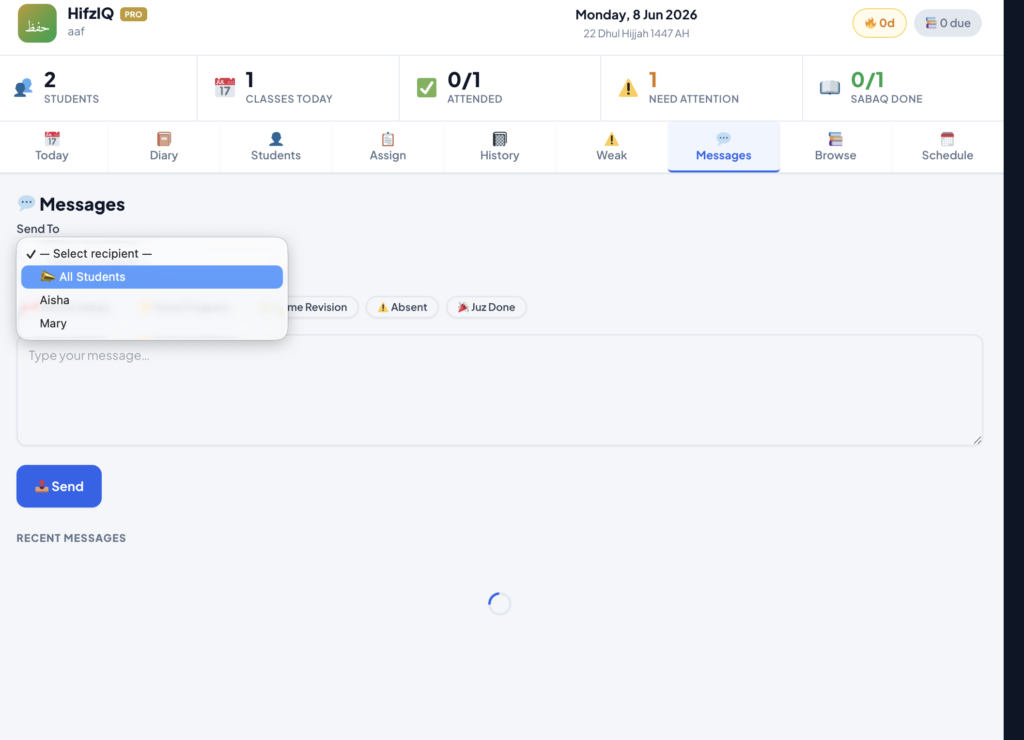
YOu can message the students and class
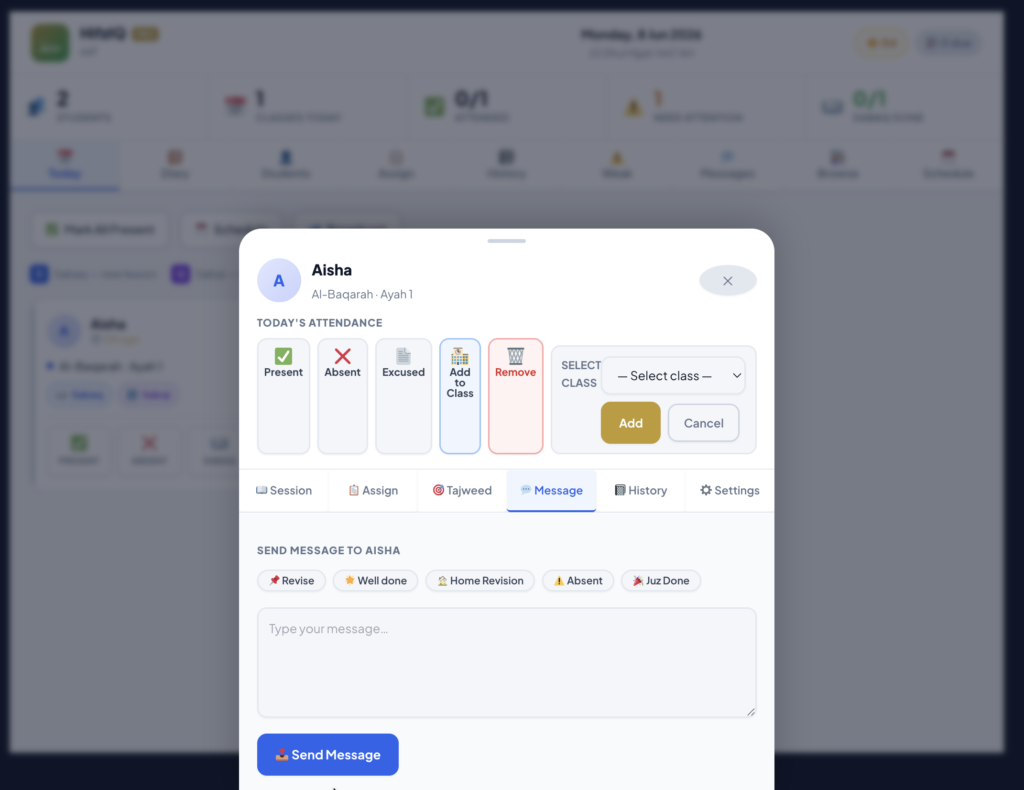
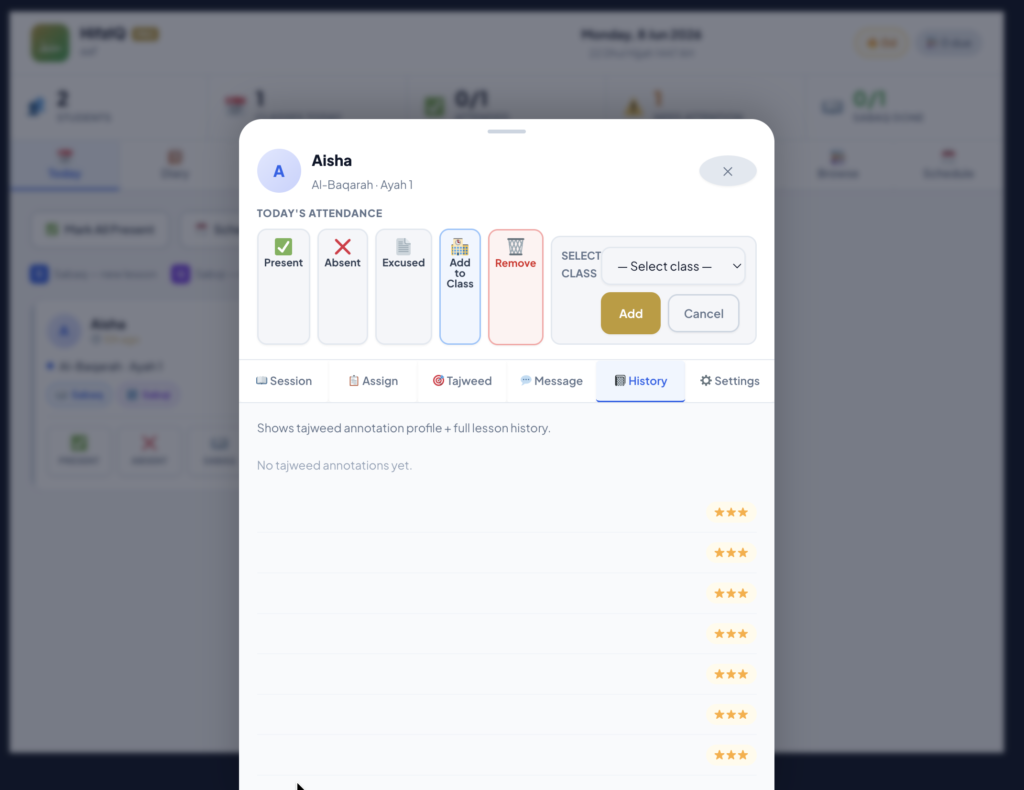
Click on history to see your annotations
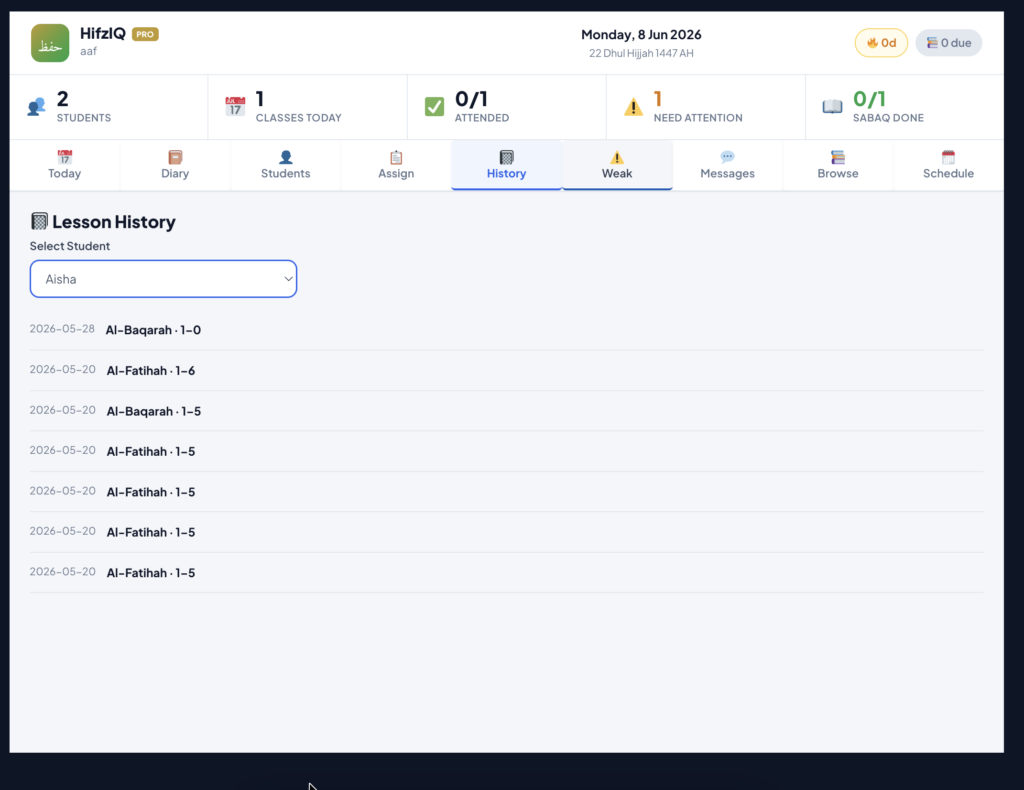
Clicking on lesson history will show you all sabaq you gave
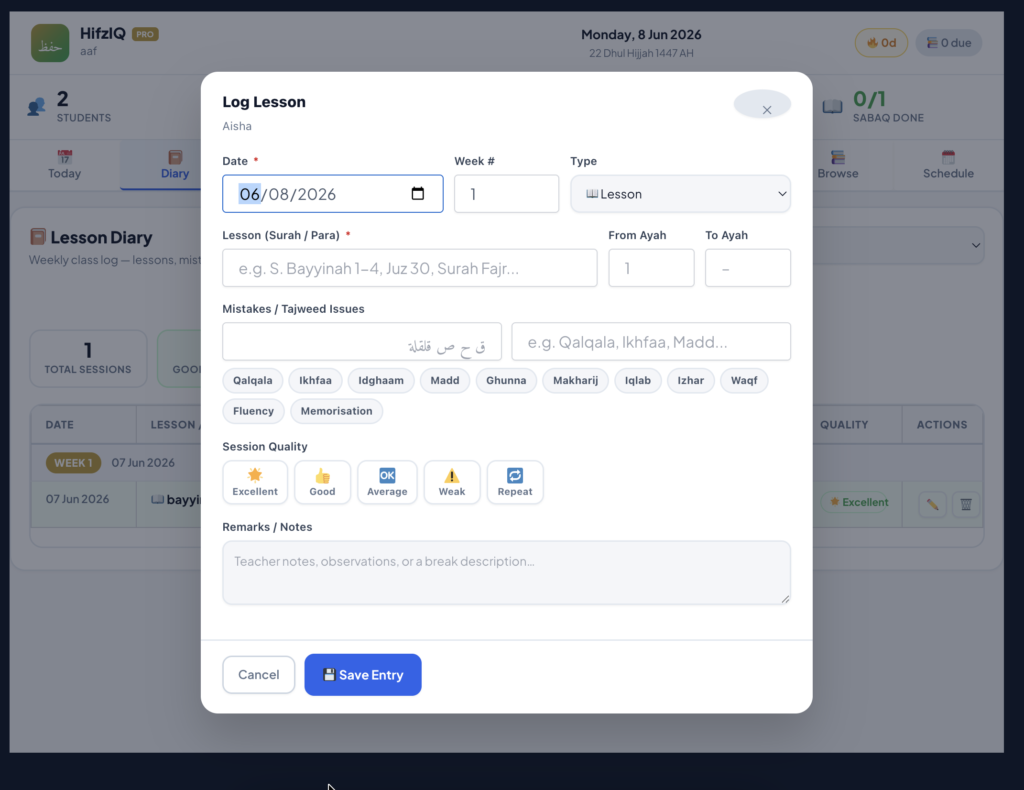
You can also use a simple log traditionally used instead of the above -if you are more comfortable in the traditional method
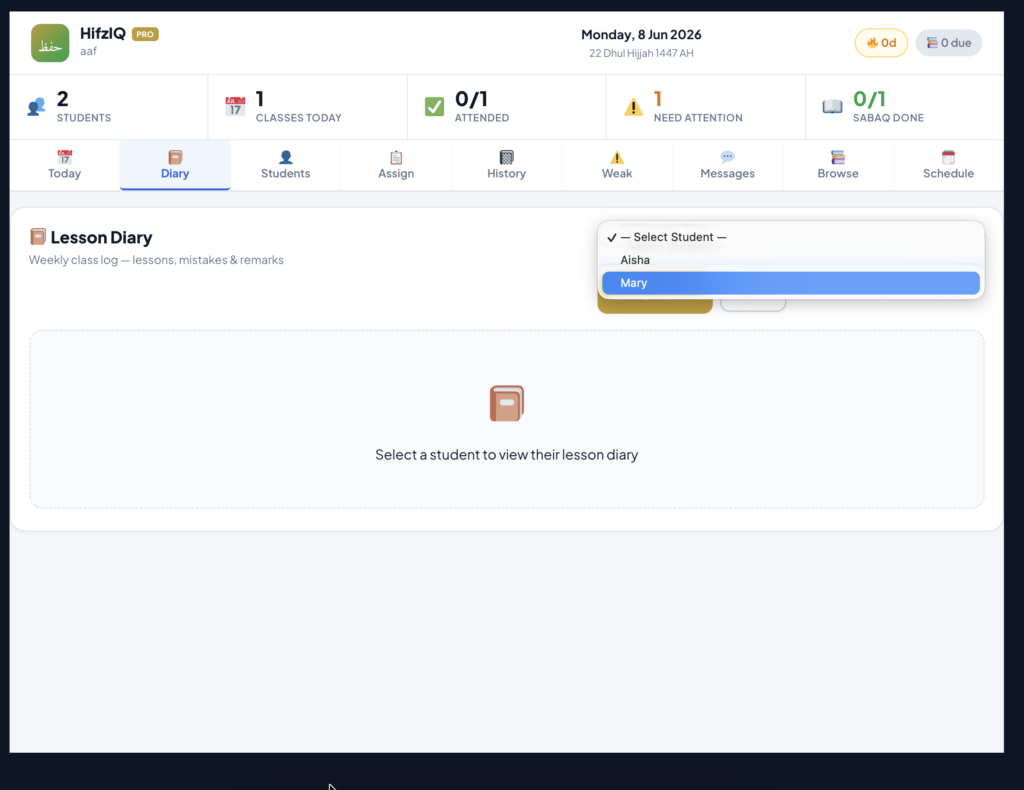
- Select student
- Click on log lession and save entry
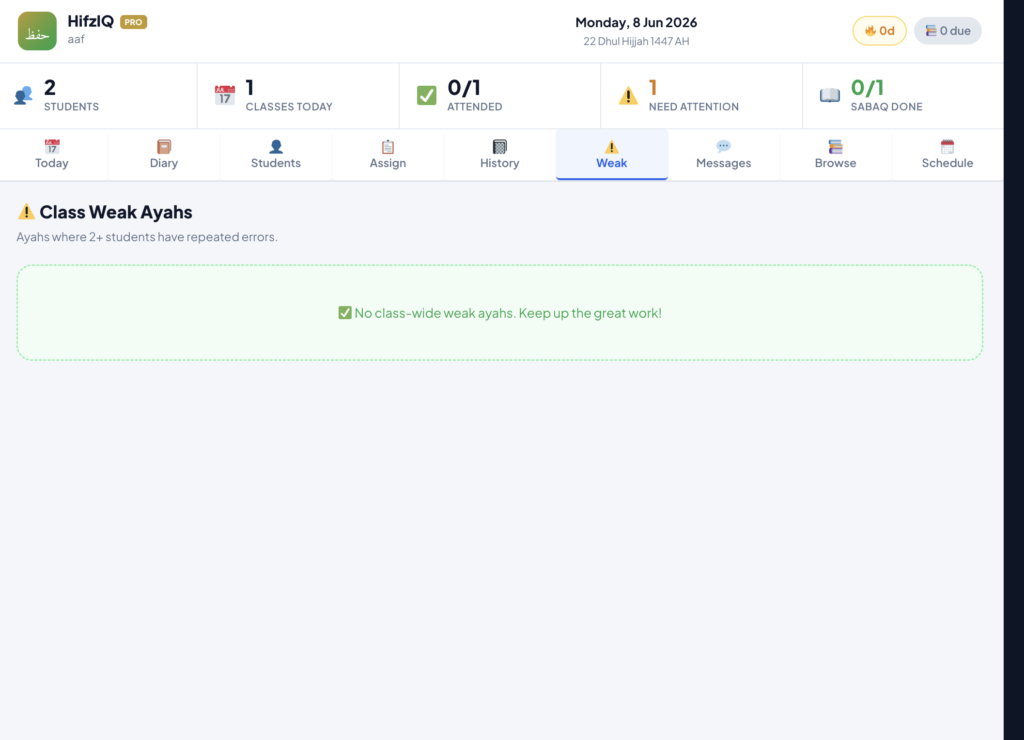
You can see classwise weak ayah when students practice and mark the ayah hard- so you can focus on explaining that particular ayah
You can also message individual student and the whole class
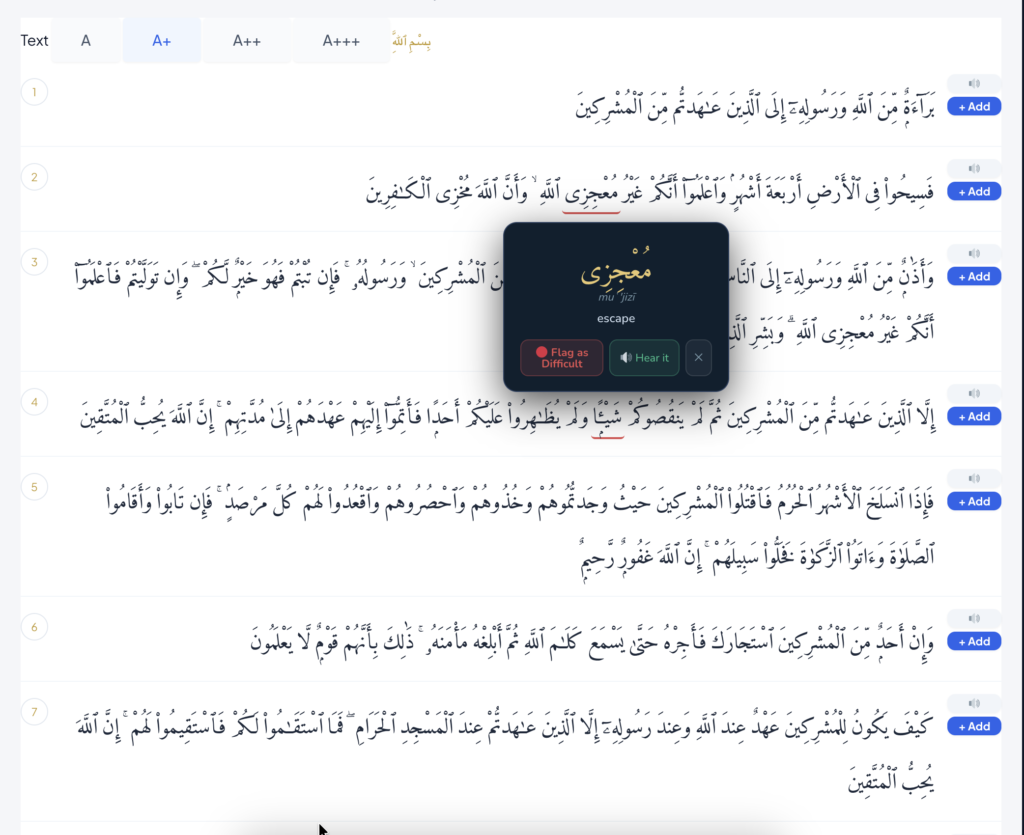
You can also listen to Quran and click on each words for its audio. you can flag the ayah as difficult to annotate it- practice it again
If you have any questions : Contact us at – admin@hifziq.com